

All-in-oneAI
sidekick for your browser
While using OmniSide, you can chat, summarize, translate, and conduct research on any device, then save all content to OmniSide—the software is available for Mac, Windows, iOS, Android, and the web.

Aggregate All AI Possibilities
OmniSide gives users one-click access to expert-level AI assistants. Through a streamlined interface, its agents coordinate with one another and understand a wide range of instructions, helping users solve problems in different scenarios.

All-in-One Chat Center
Say goodbye to the hassle of frequently switching between multiple platforms. Here, you can simultaneously chat with top AI models worldwide, compare their insights, and get the most comprehensive and in-depth answers.
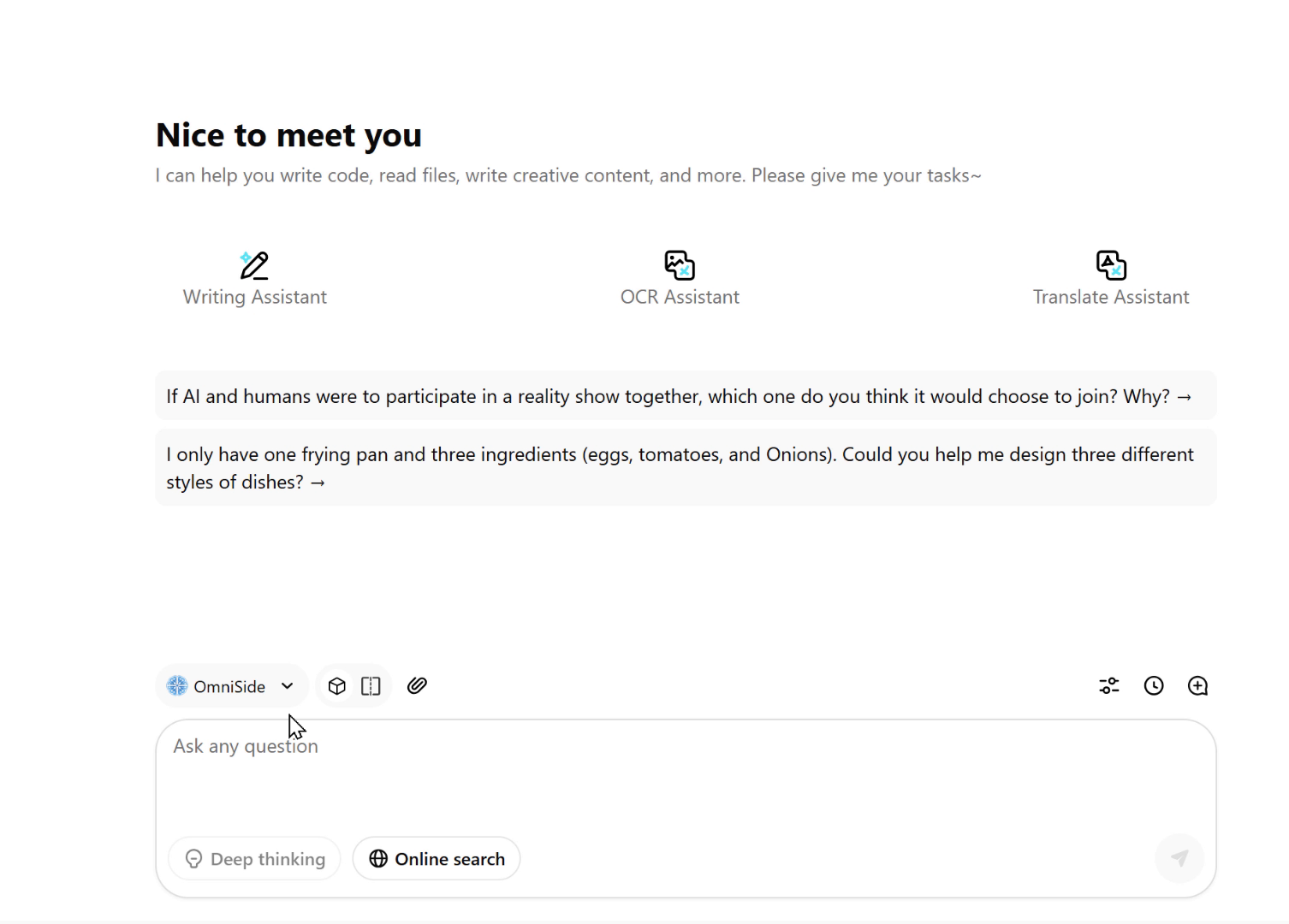
Dual-Track Decision Engine
Go beyond the limitations of single answers. Launch dual AI parallel processing for any task, compare content quality, creative angles, and logical differences in real-time, so every decision you make is built on the optimal solution.
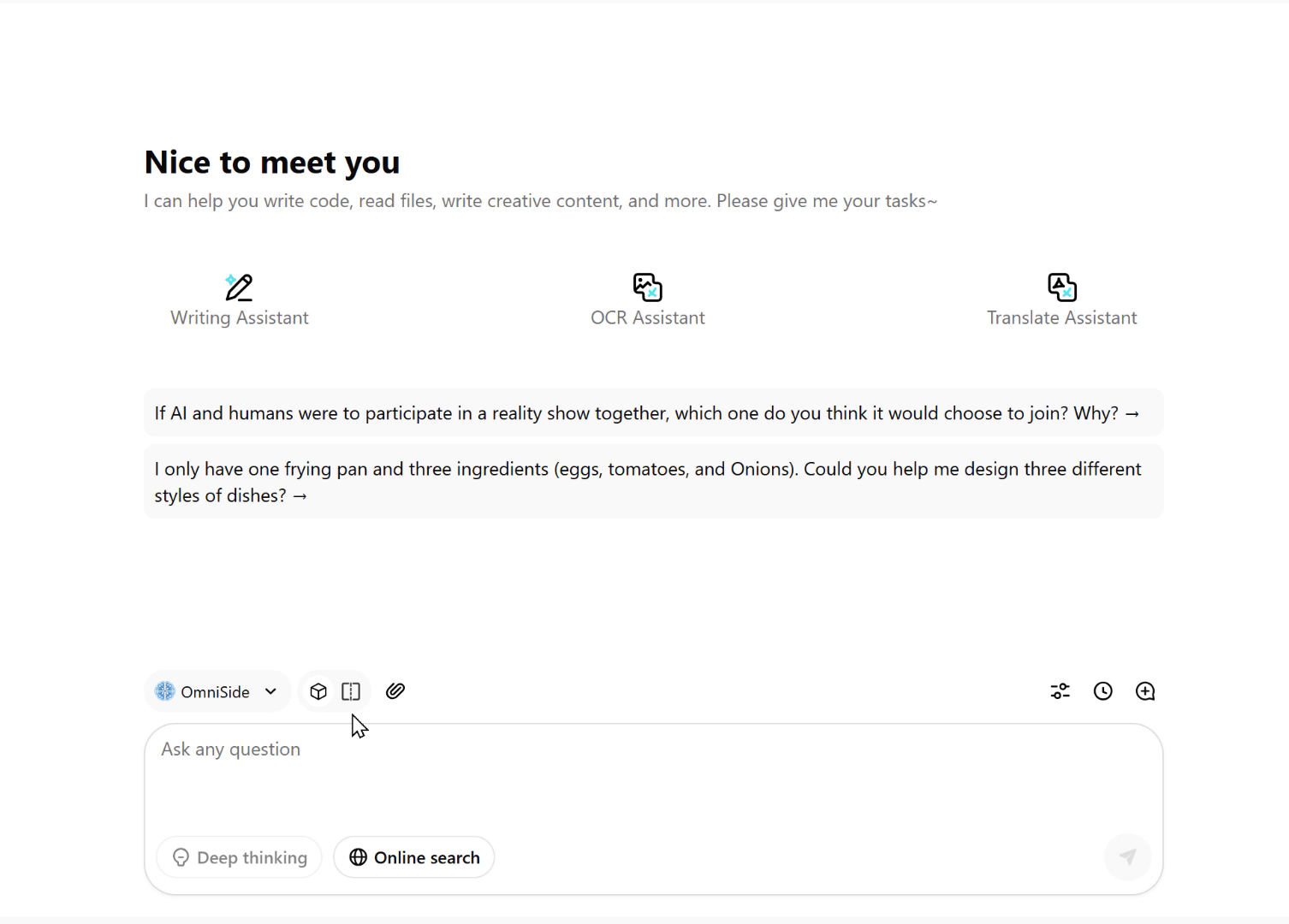
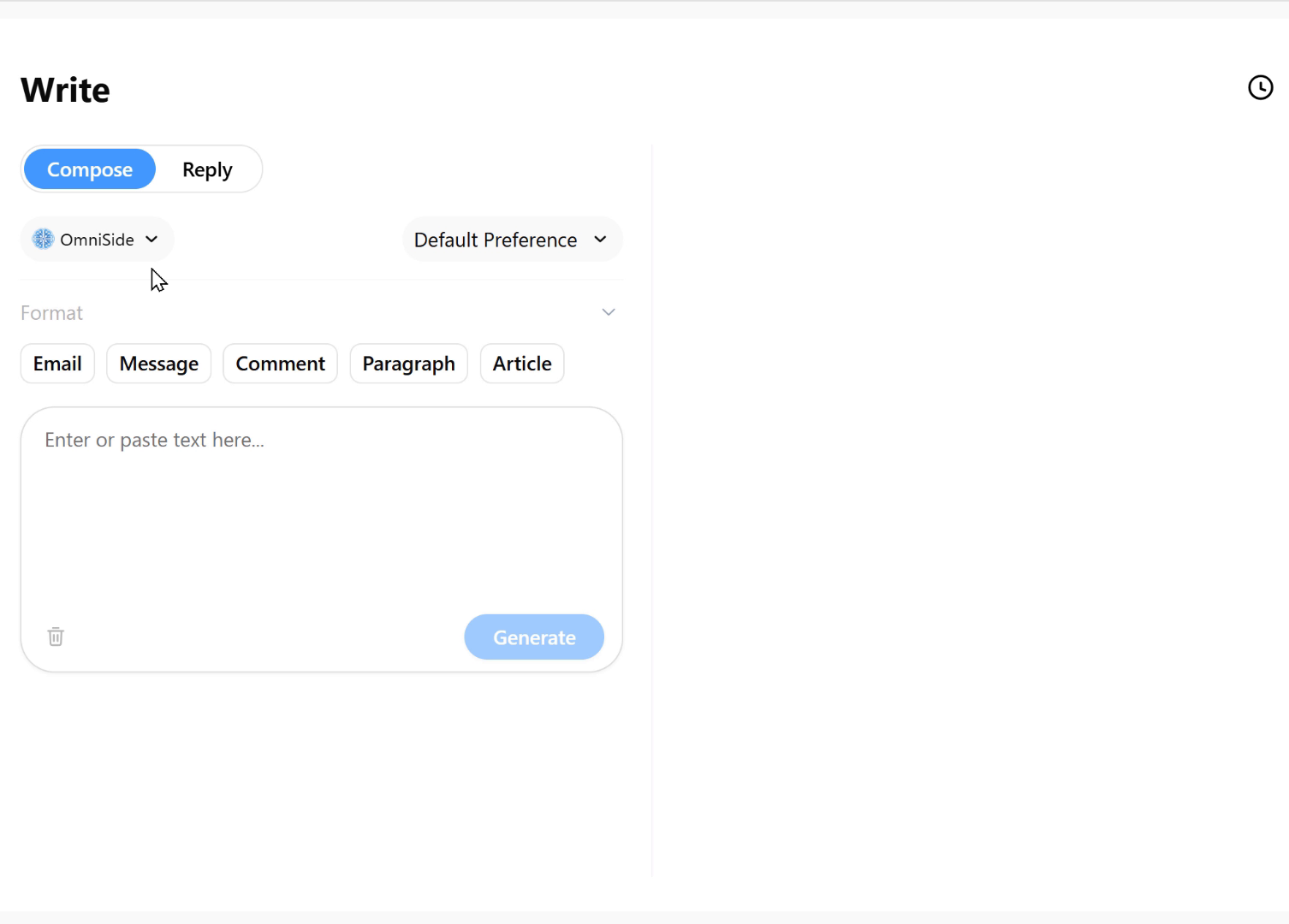
Intelligent Writing Workshop
Say goodbye to blank page anxiety. Just input your core idea and select the desired format—whether it's an email, blog post, social media comment, or formal paragraph—and get well-structured, appropriately styled quality text with one click, making writing twice as efficient.
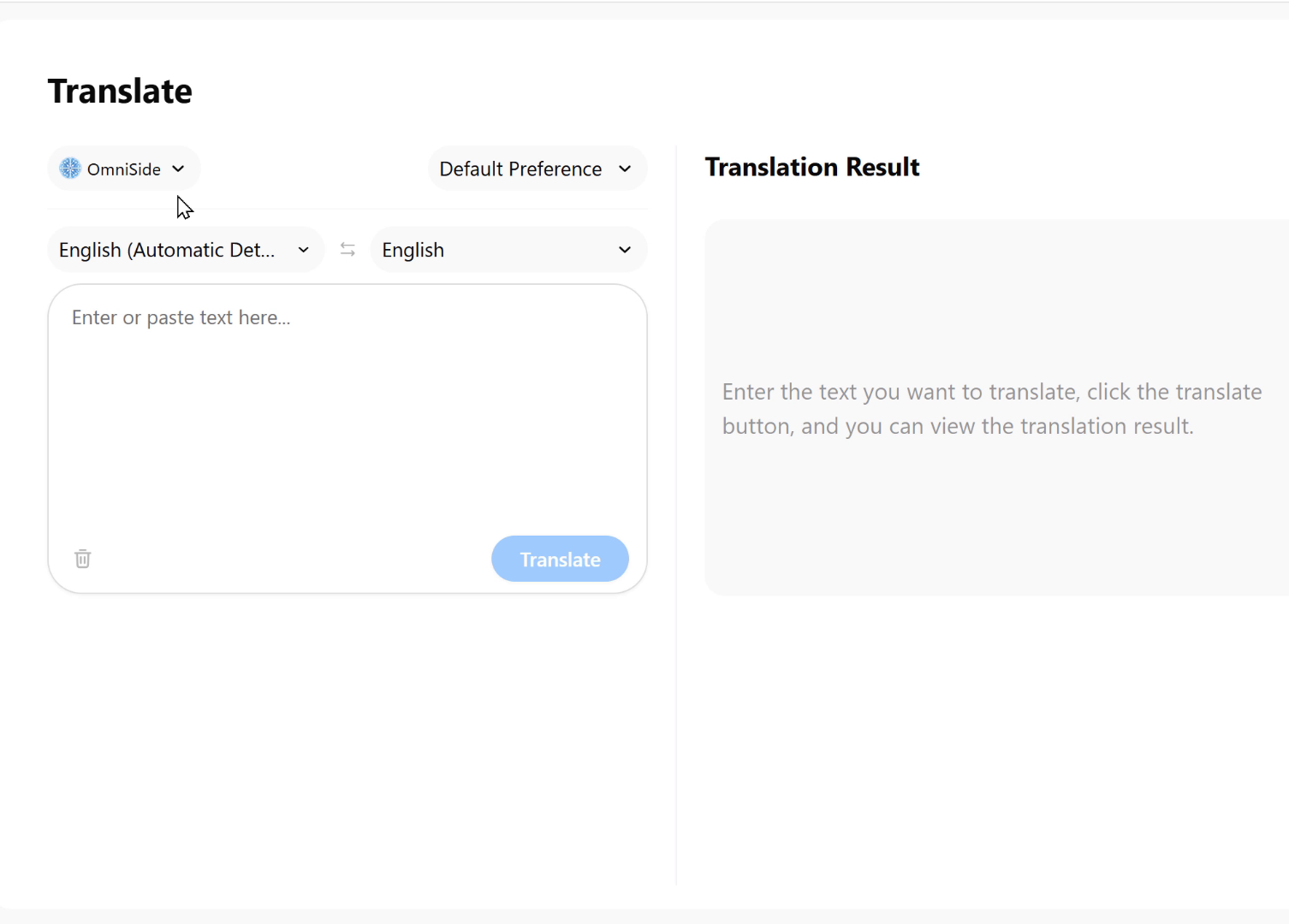
Precision Translation Engine
It is an intelligent bridge that breaks down language barriers and supports real-time translation between major global languages. It accurately conveys meaning while preserving the professional terminology, cultural connotations, and stylistic features of the original text, making cross-language communication seamless.
Grammar Proofreading Expert
Your professional text editor deeply scans text for spelling errors, grammar issues, and problems with expression. It provides precise corrections and polishing suggestions to ensure that every document meets professional standards.
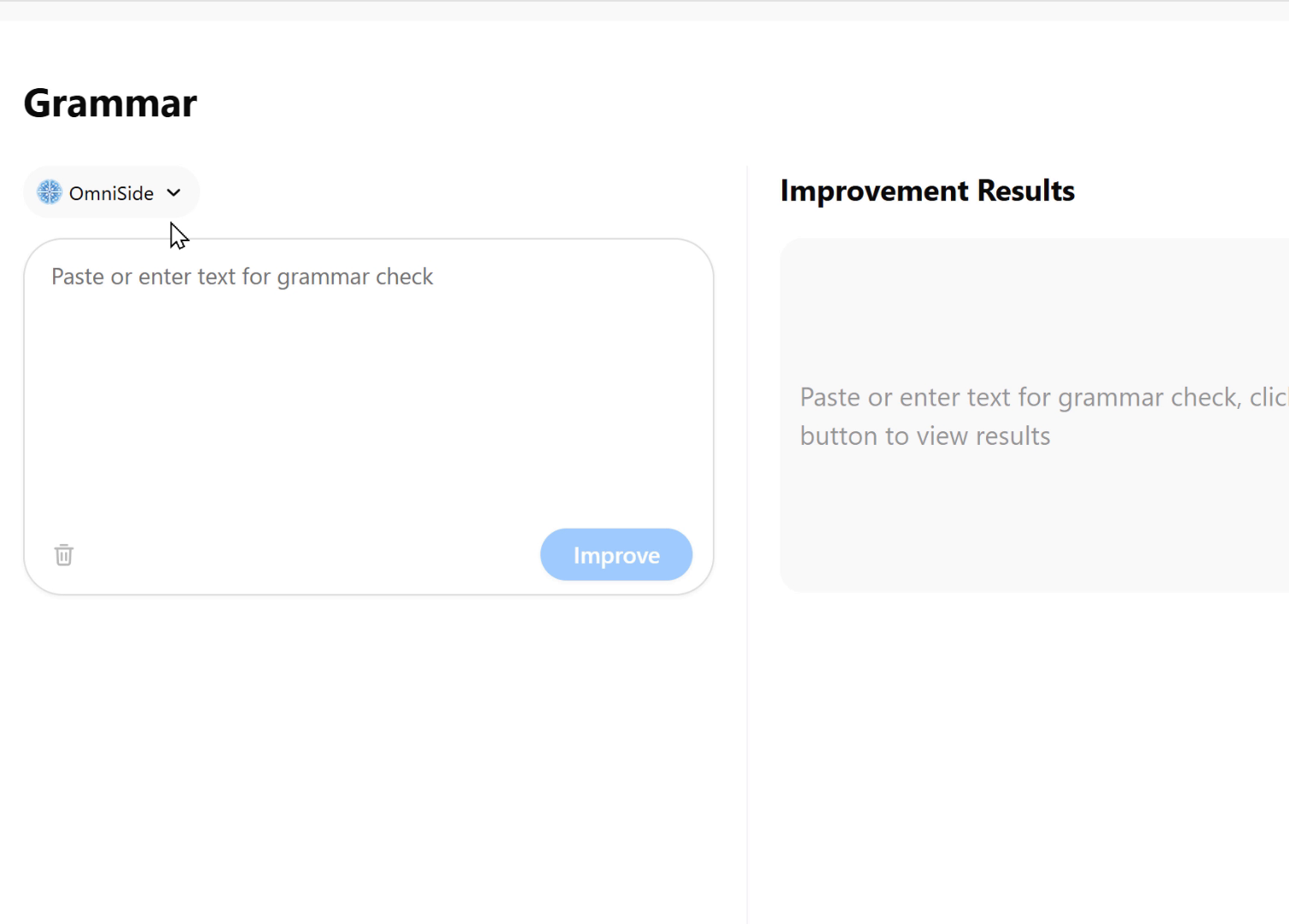
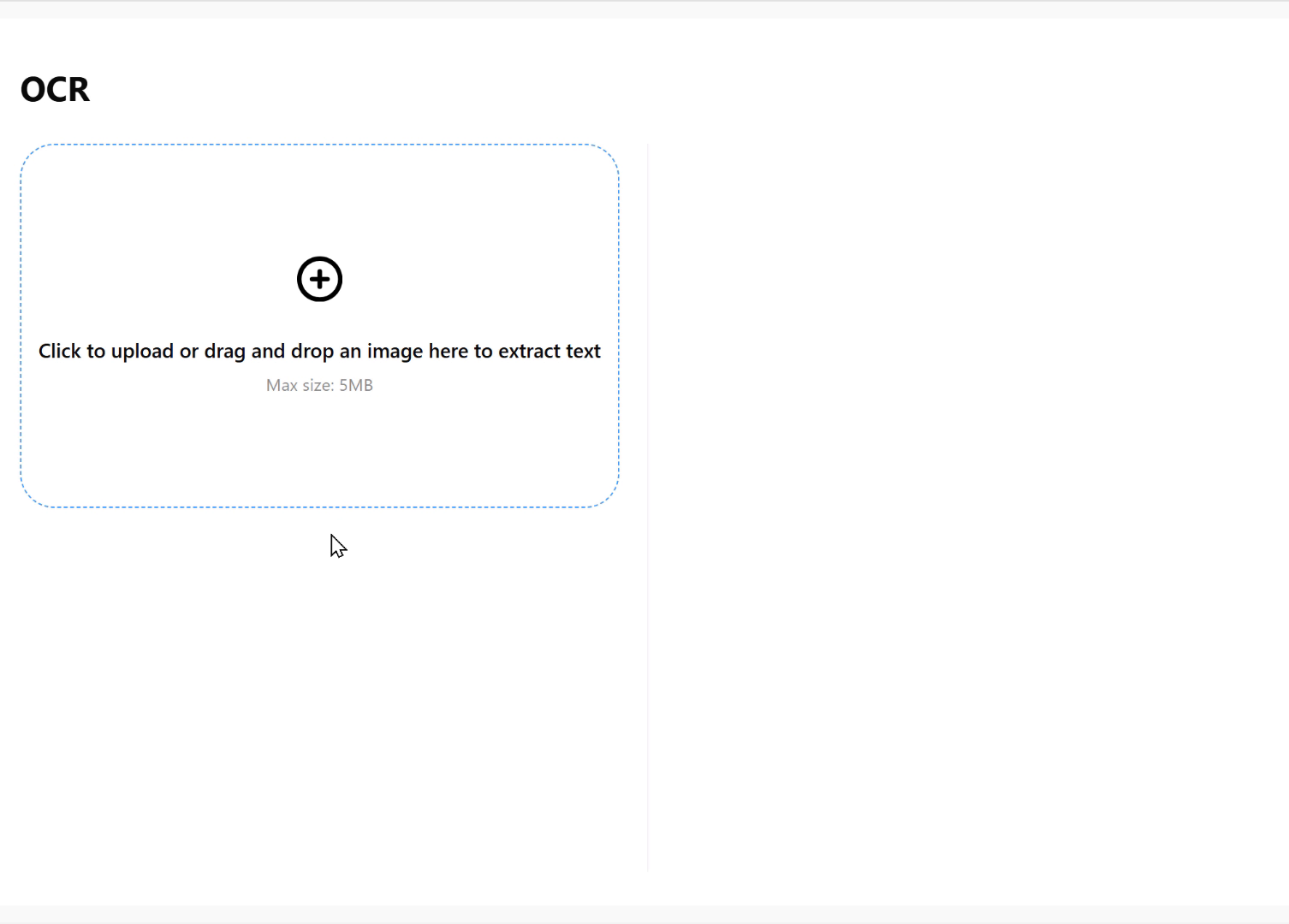
Image Text Recognition Workshop
Intelligent conversion from images to structured information. It accurately extracts text and tables from images and PDFs, serving as an efficient starting point for the entire AI workflow and ensuring that your creativity and work are no longer constrained by file formats.
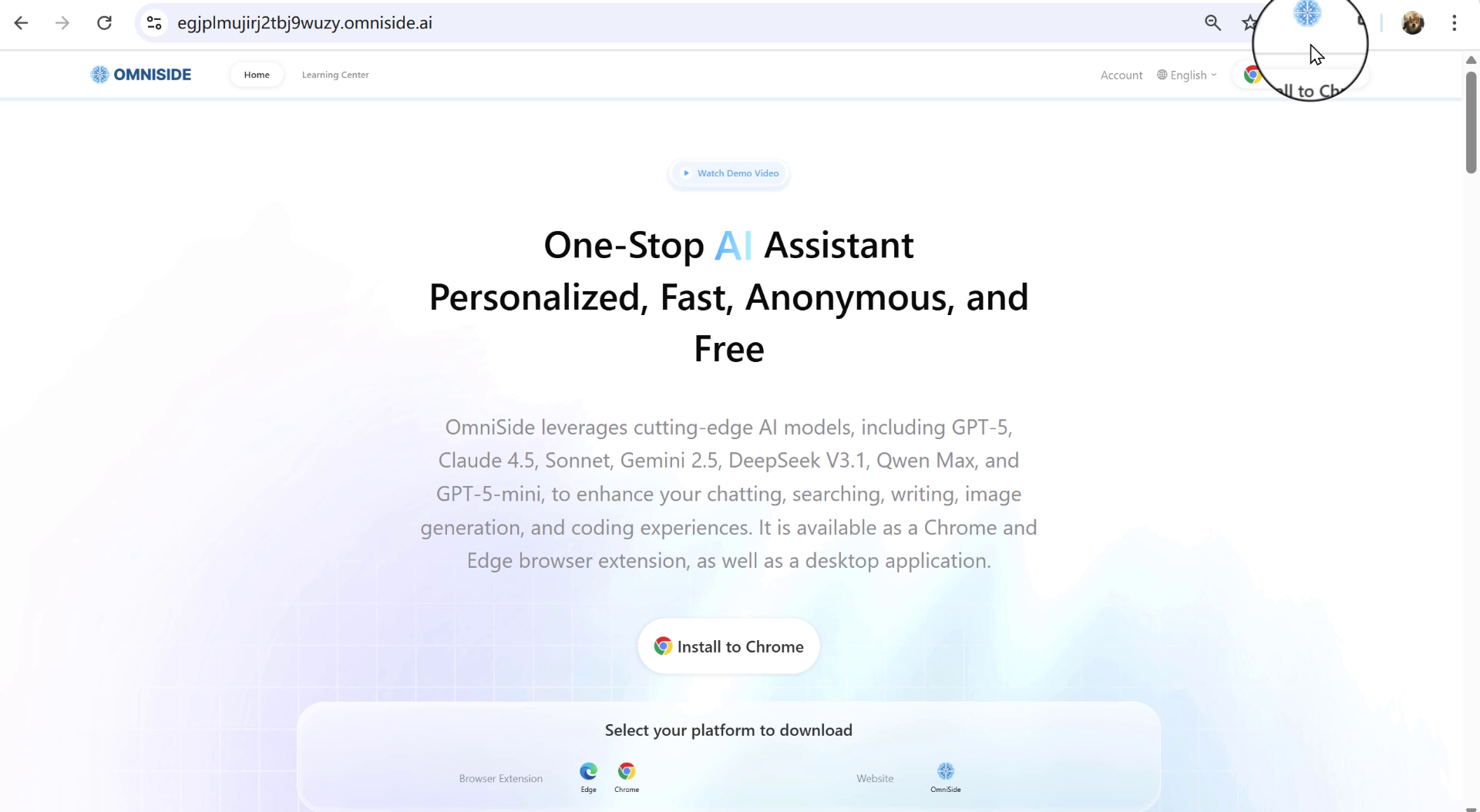
Integrate into All Scenarios
OmniSide integrates seamlessly into your workflow, bringing AI capabilities within reach.
01 Browser Sidebar
Enable the all-in-one AI assistant with one click
02 Smart Toolbar
Supports instant text explanations, translations, and summaries.

03 Search Assistant
Instant Q&A, quick information search
Main Features

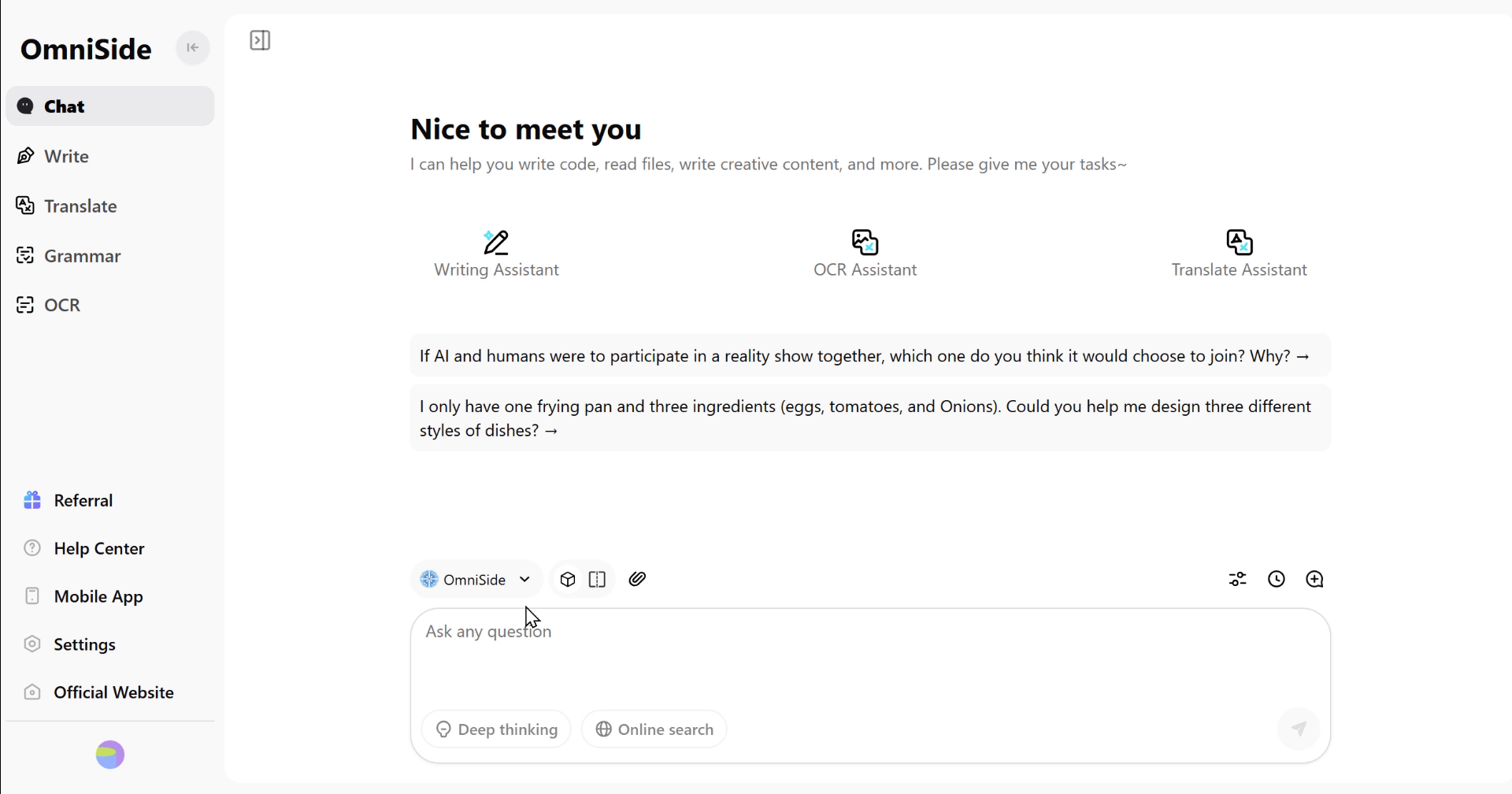
Top AI Models
Brings together leading global models for flexible use

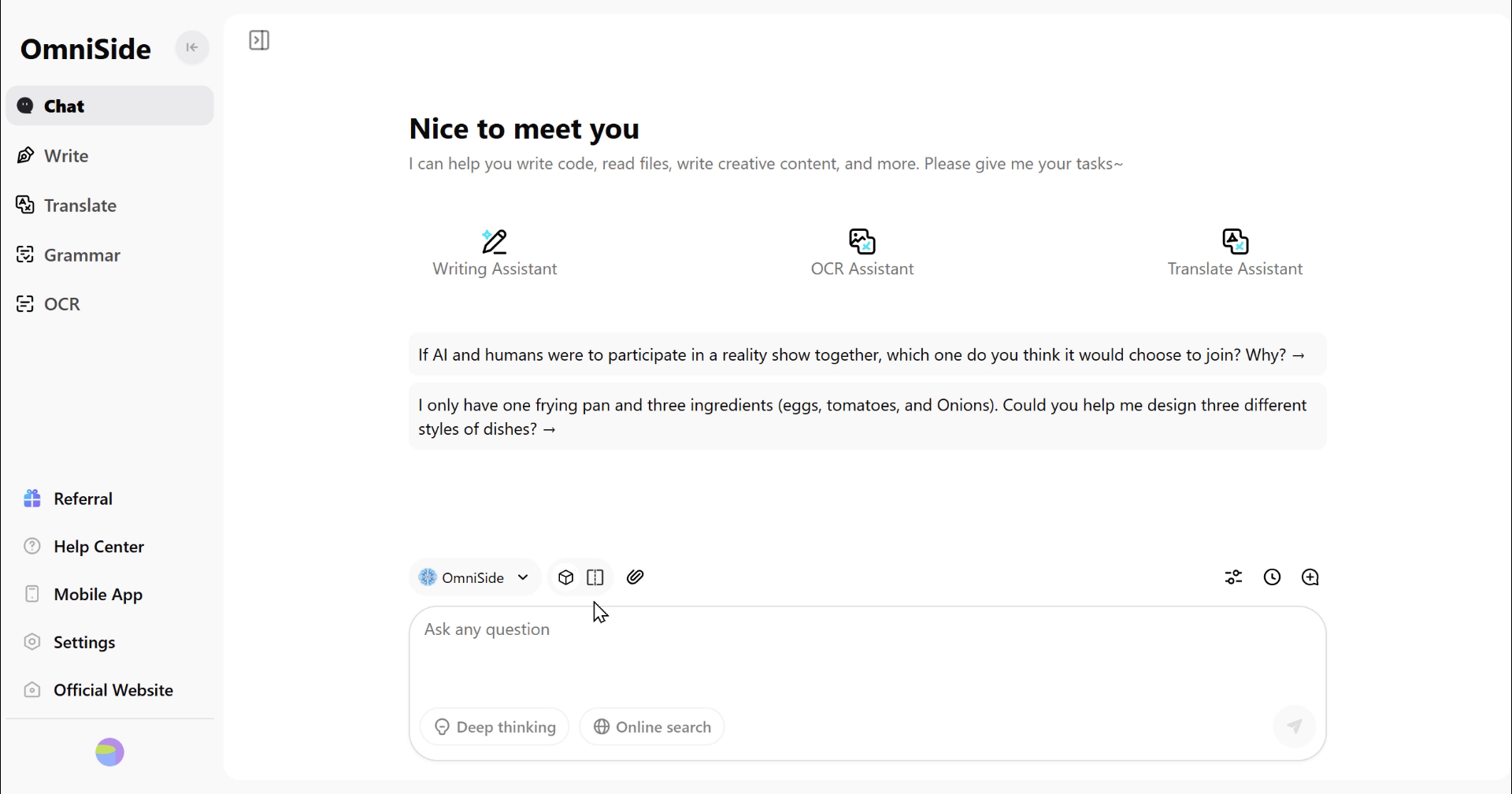
Dual Comparison
Two AI models compete side by side, making their strengths and weaknesses clear at a glance.

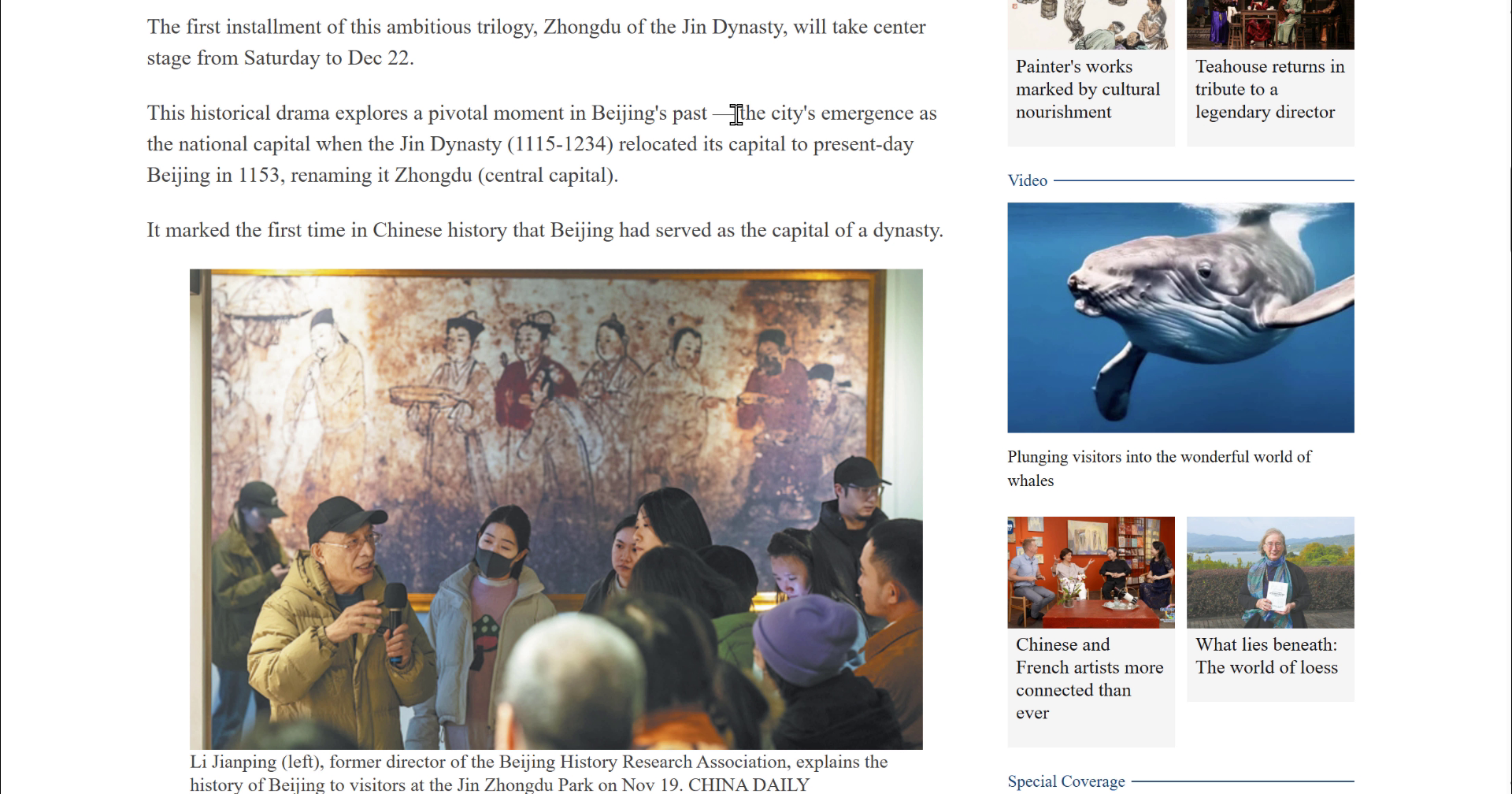
Seamless Use
Seamlessly integrated into your workflow, bringing AI within reach.

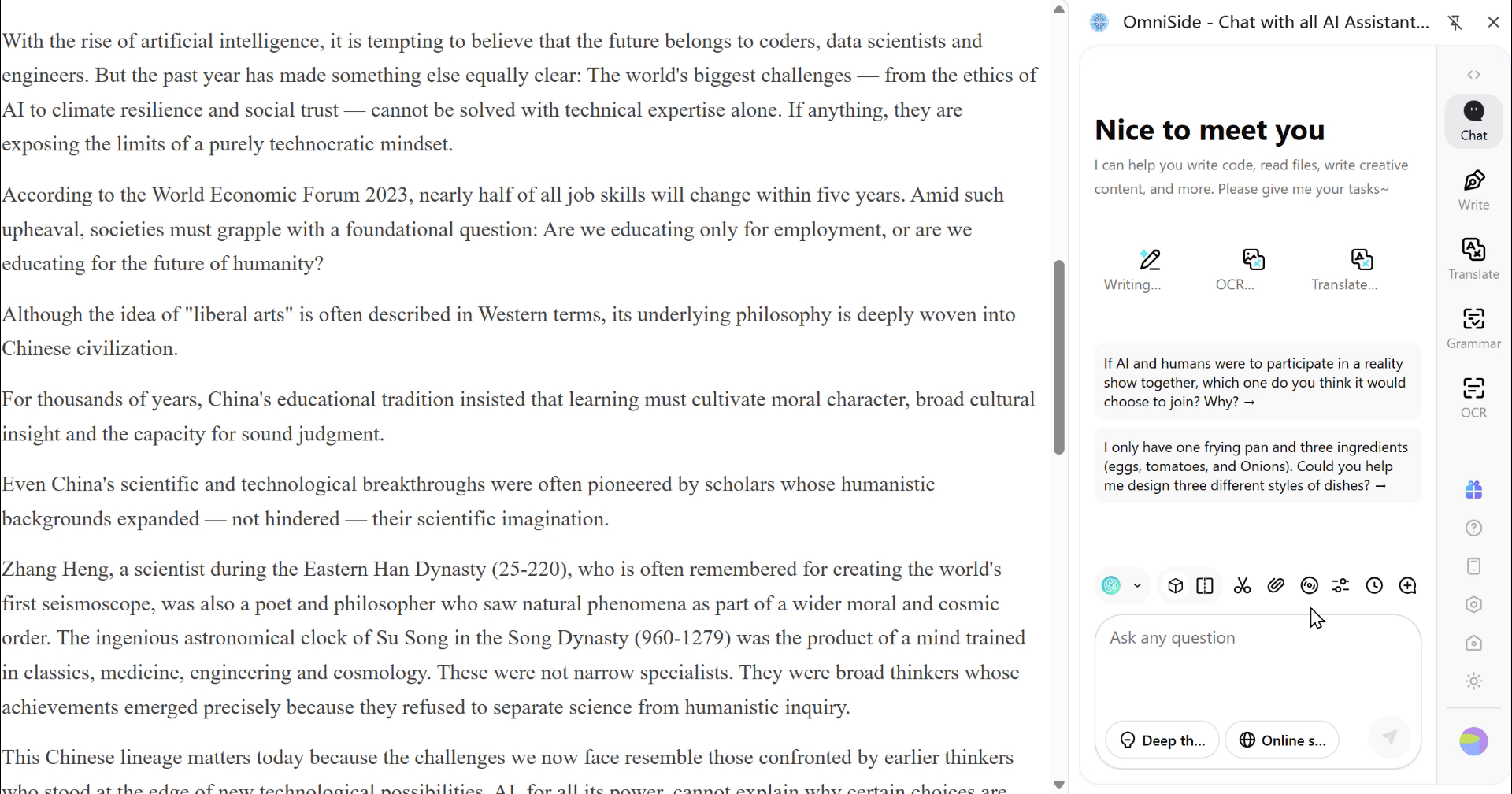
Summary
Summarize long texts with one click and get straight to the key information.

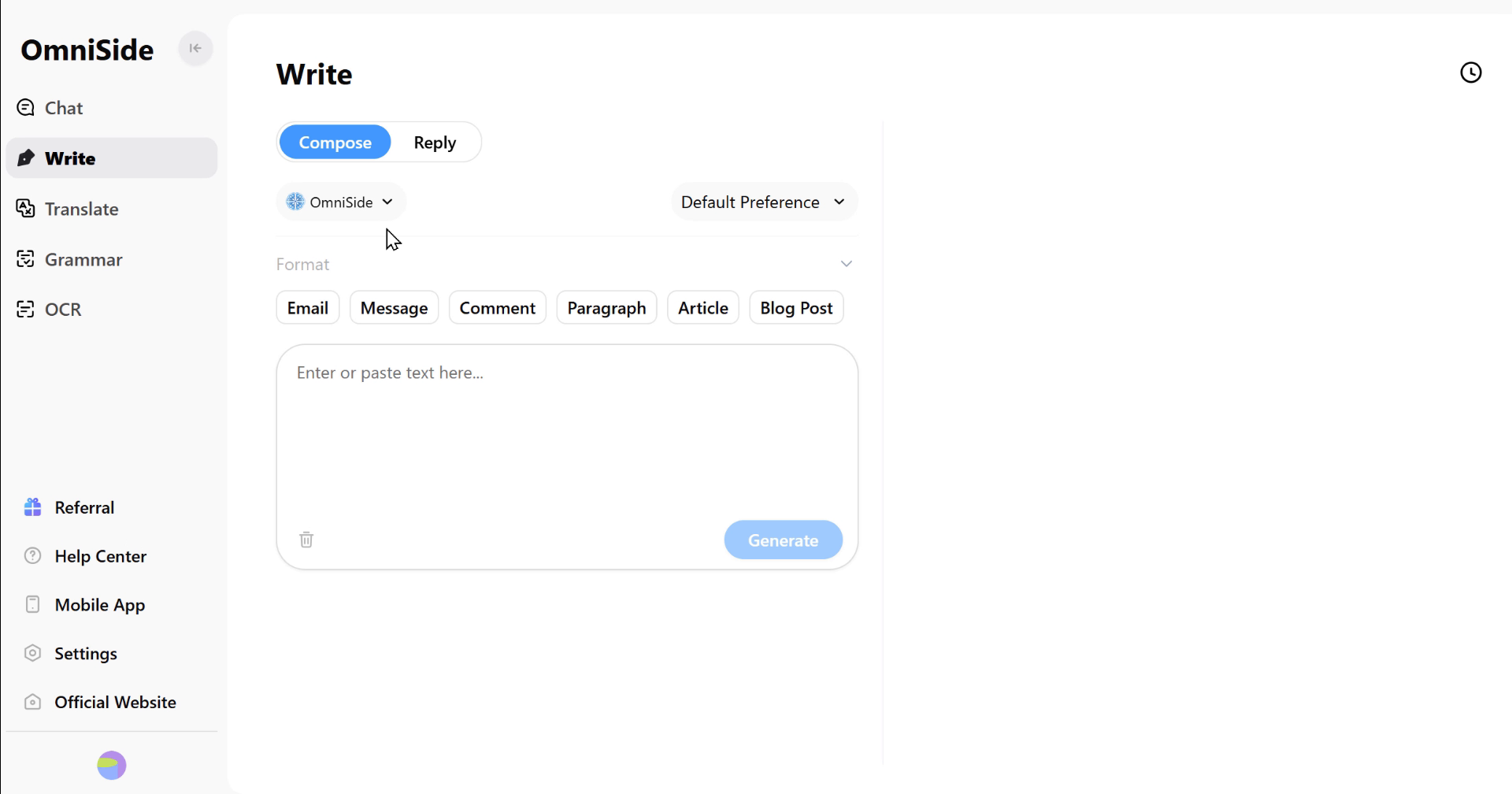
Smart Writing
From inspiration to manuscript, assisting you throughout the creation process

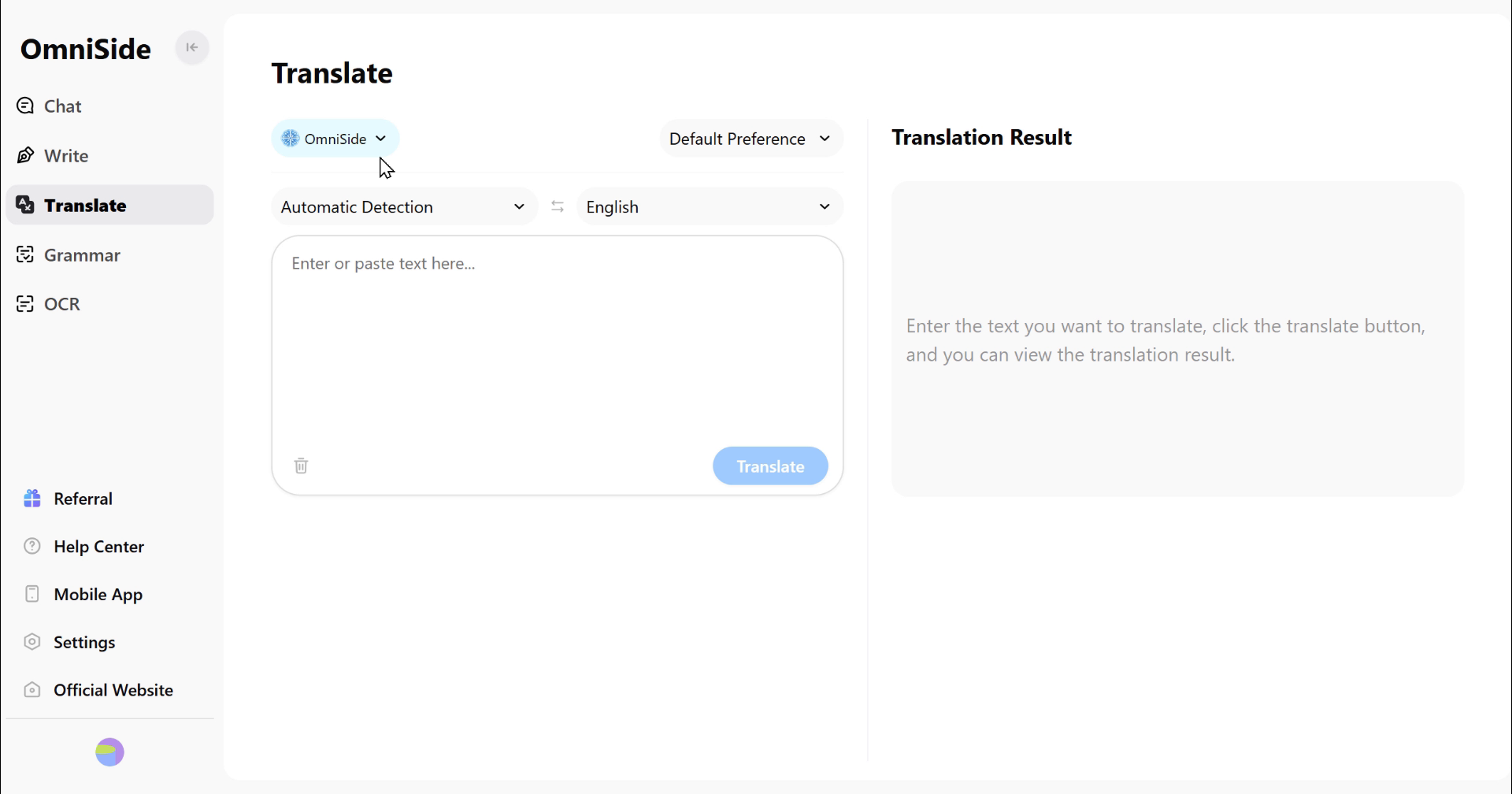
Accurate Translation
Break language barriers and ensure accurate communication

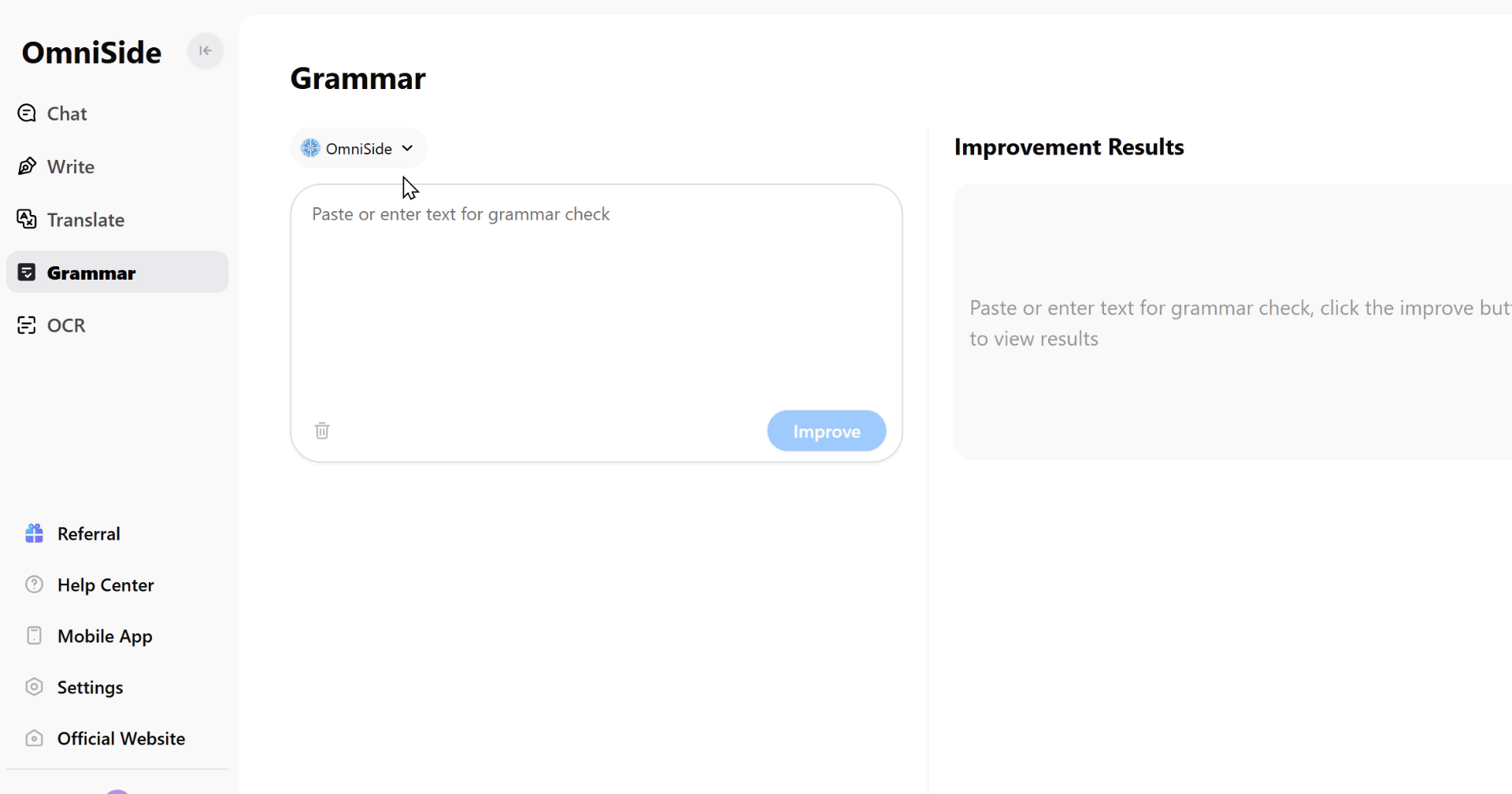
Grammar Check
Intelligently detects errors, making your writing more professional.

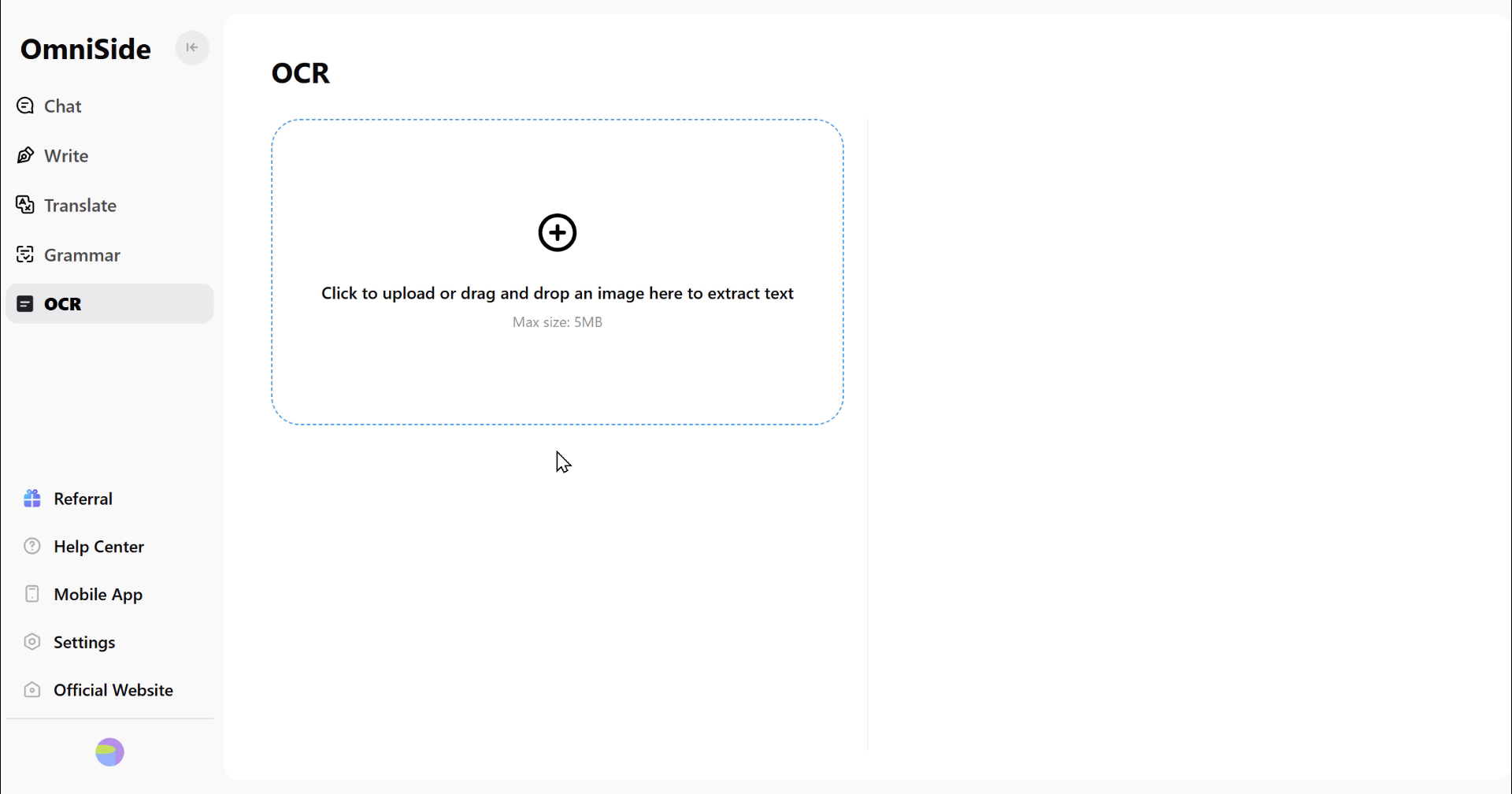
OCR
Accurately extract text from images, allowing information to flow freely
Over 10 Million Users
Worldwide Choice
 5.0 / 5.0Chrome Web Store
I love Omniside AI, especially its translation feature, which is better than that of any other plugin. This feature helps me better understand any word or sentence, especially on specific topics.
 Vincen Mcmahoon
Friends who need AI and versatile chat, you must add this to your Google extensions. The features are very comprehensive, from asking questions to generating images, to summarizing videos, websites and PDF files (you can upload them for summarization), and it can also translate text and let you ask questions about screenshots.
 Laura Anastasya
I've been using the Omniside AI app for several weeks now, and it has become an indispensable assistant. It integrates multiple AI models like GPT-4, which is very convenient. You can use it for various tasks: reading, online searching, translating, and even creating images. I especially like its ability to upload PDF files and generate detailed summaries. The voice input feature is also great - you can talk directly to the AI without typing. The interface is user-friendly, responsive, and supports multiple services. Omniside AI is definitely the best choice for daily tasks.
 Lisa
LisaUnleash your potential with 10 million users
ExperienceAIdriven productivity boost